At the airport01
“Free_Airport_WiFi” looks like the right network
A credible name does not prove who operates the hotspot. Arrival fatigue makes verification easy to overlook.
In the Philippines, as anywhere while travelling, you will open emails, bookings, payments and documents on networks you do not control. NordVPN adds an encrypted tunnel between your devices and the VPN service.
A questionable network does not warn you before becoming a problem.
Partner link: Palms & Horizons may receive a commission at no extra cost to you. Pricing and conditions are those displayed by NordVPN.
Airport_Free_WiFi
Network detected
With NordVPN enabled
Encrypted tunnel on laptop and phone
Three moments when vigilance drops
You do not need to be a famous target. Using the wrong network at the wrong time with the right accounts open can be enough.
A credible name does not prove who operates the hotspot. Arrival fatigue makes verification easy to overlook.
These are precisely the accounts that can reset passwords, confirm payments or reveal your itinerary.
An automatic connection can start before you have checked the network name and conditions.
See the risk in a real situation
Airport, hotel, café: these convenient connections quickly become essential while travelling. NordVPN lets you prepare simple protection before the first unfamiliar Wi-Fi network.
View the NordVPN offerWhy prepare it
The VPN encrypts traffic between your device and the VPN server. The local Wi-Fi sees an encrypted connection instead of each destination visited.
At an airport, hotel or café, you control neither the router, its configuration nor the other connected devices.
Email, bookings, banking and work documents are accessed from the same devices.
Downloading and configuring protection after landing already requires trusting the available network.
Before / after activation
Without a VPN
With NordVPN
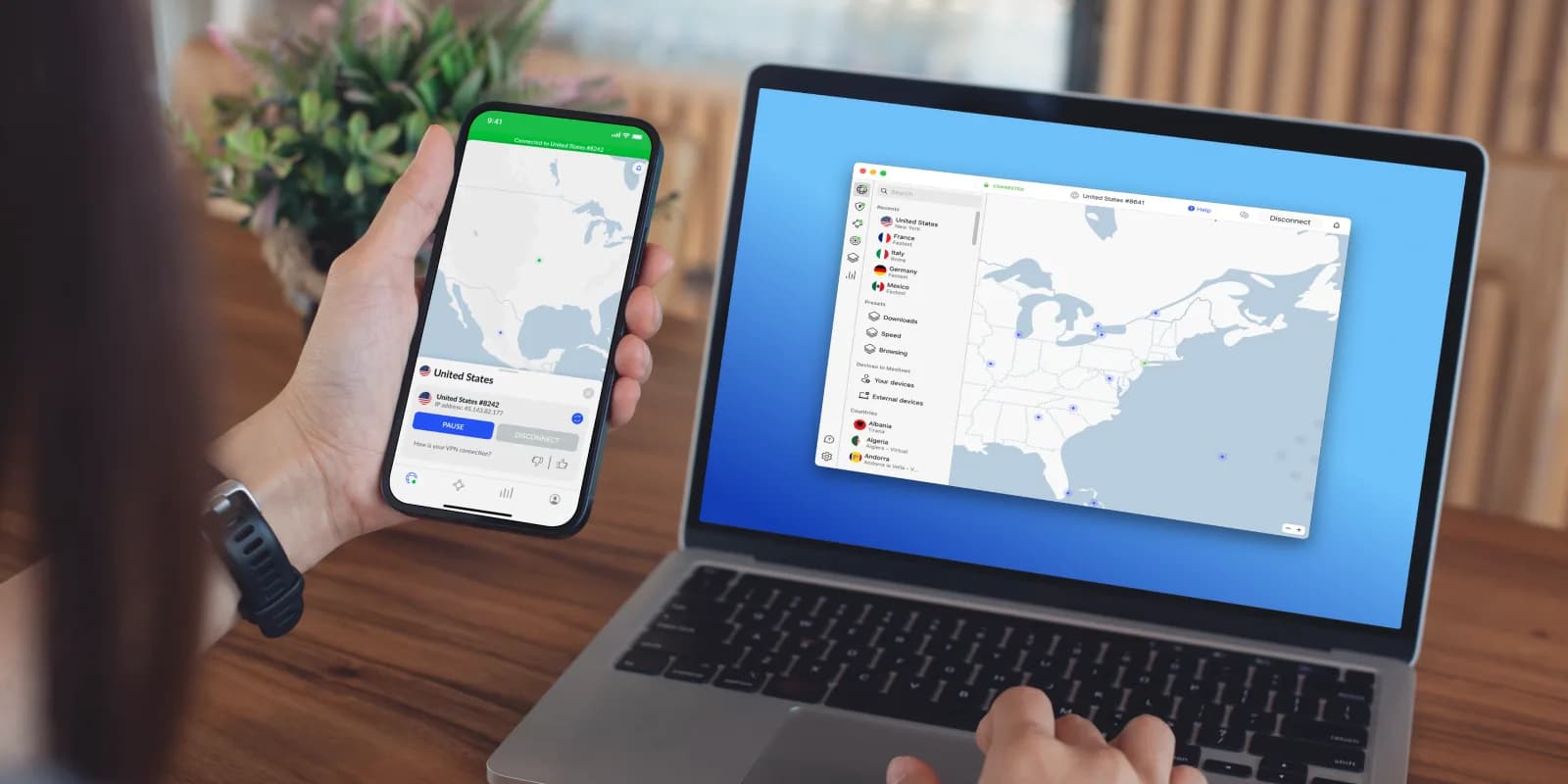
Phone and laptop ready before departure
One habit to adopt: activate NordVPN before joining public Wi-Fi.
Practical checklist
The goal is to arrive with already-tested devices, without relying on a public network to download or configure the app.
Step 1
Install the app on the devices you are taking
Step 2
Test the connection before departure
Step 3
Enable automatic connection on untrusted networks
Step 4
Keep operating systems and applications updated
Prepare your devices calmly at home, test the connection and leave with a security habit already in place.
Official resources and transparency
CISA travel guidance recommends securing connections on public Wi-Fi networks. This page uses official NordVPN media and contains clearly disclosed partner links.